During the Easter Holidays, I did a few drawings and experiments.
This is a drawing of my neighbourhood’s outer area above the Glen. In real life, it doesn’t look impressive, but when you draw it like I have here, it does make for an interesting scene. Particularly the old house to the side. I would have done shading, but I’m still learning, and if I was to do so, I’d have to get a sheet to avoid making it press onto the next page. Furthermore, I had other work to do. Art isn’t something to rush.
And these are the two storyboard experiments I did. I think they’re a vast improvement from previous because I had a cheat sheet to help me with camera movements and a storyboard template to help figure out where the dialog and action notes should go and how a director/animator would make a storyboard.
With these experiments, I feel just about ready to start work on the actual storyboard. The sooner I do so, the sooner I can get down to the real thing.
My initial plan is to make a small animation for my Final Major Project. However, as I was playing about one day, I had this sudden idea of using my Lego as a way to help with the storyline. And so I made a screenshot like storyboard of the animation out of Lego.
Panel 1: An elderly man is in a lounge, reading through a scrapbook on a chair, looking through memories.
Panel 2: We go back in time through the photos to see children playing in a grassy field, a boy with a water pistol, squirting at the girl.
Panel 3: A young couple taking a picture in front of a statue in the park.
Panel 4: The teenagers from before at an altar. Their wedding day.
Panel 5: A simple day in the house, reading the newspaper, the cat keeping them company, when all of the sudden, the wife feels a pain.
Panel 6: First child. (parents early 30s)
Panel 7: Siblings! (daughter is about 6 here)
Panel 8: Camping fun with the grandparents. (parents, mid 30s, daughter 7, son, 1)
Panel 9: The son playing with his best friends. (son is somewhere between 6-10)
Panel 10: The daughter playing to her parents. (parents, 40s, daughter, 16)
Panel 11: Fallout between siblings. Daughter heading off to University, son stuck at High School. (daughter, 20, son, 15)
Panel 12: Family meet up. Son is in College while Daughter is in an engineering job. (Parents, between 50s-60s, Daughter, mid 20s, son, 19)
Panel 13: The parents’ later years, keeping fit, going for jogs in the park. (parents 60-70s)
Panel 14: Parents hitting old age, living the rest of their lives in retirement. (parents early 70s)
Panel 15: We return to present day to see the Elder being greeted by a young adult. This would be the son as he presents a wedding ring. (Elder, mid 70s, Son, late 20s)
This is pretty much what I’ve got so far. I’ll definitely be expanding on the storyboard as I go along.
As I explained in my previous entry, I had been doing Storyboard Tests. These two were printed out from the article a teacher linked to me.
This one tests diagonal panning from a staircase to ground floor in a goofy sort of way. Not much, but I think it could be better. Like I said, these are tests.
This is a storyboard draft of two pages, testing continuity and truckings. The dialog was the only thing provided, and so I had to write the action piece in myself. I think this is a slight improvement, but I feel like something is missing…
These are links to my FMP Pitch. Note, this is for my teachers only. Everyone else, DO. NOT. DOWNLOAD! (I can’t figure out the private settings which is why this is public)
Through technicality, this is the fifth week of FMP, but I’m calling it Week 1 because this is my first blog update regarding FMP.
For Final Major Project this year, my main theme is to do with memories as that is a special topic, and as we’re in hard times, I feel like we should all look to the past, remembering good times we’ve had be it young or old. My main goal achievement is to produce a digital animation of memories.
This was my early draft of the storyboard. This is basically what I drafted out. Panel 1, old man is sitting on a chair looking through a scrapbook. Panel 2, we see what the elder is reading. Panel 3, we zoom into a picture of someone kicking a football into a goal. Panels 4 & 5, other pictures, more animations of what is going on in them. Panel 6, someone lowers the scrapbook. Panel 7, the elder sees a young adult. Panel 8, the two hug as a small box is shown.
This was an early idea I had planned as I was doing my presentation. Not the best of ideas to go on, but something to work from at least.
This is my research mind map of certain highlights to look at during the research week. (and beyond research week if needed) Most of these highlights I’ve looked into.
My first inspired animators, Richard Williams. (page under construction)
If you can’t read what it says on the page. ‘Richard Williams was an animator artist and director who was well know for his unique approach to animation. For example, his pencil animation short film, Prologue, 1971 Chuck Jones’ adaptation of A Christmas Carol and probably his most beloved classic that mixed animation & live action, Who Framed Roger Rabbit.’
‘His animation skills are quite unique and inspired a few animators, but what I find intriguing is how he managed to animate everything he made out of pure paper, ink and pencil! That type of animation is mostly rare these days. This inspires me to try and do something similar.’
The images provided are examples of his work.
Second inspired animator, Tyson Hesse.
Incase you can’t read the description. ‘Tyson Hesse is a comic book artist & animator who works on webcomics and web short films, well known for his ‘DIESEL’ comics and his web animation ‘Sonic Mania Adventures’. The way he animates his work/commissions are interesting as while focusing on the main story, he also adds funny scenes in the background. As I’m aiming to add humour to my animation, this has helped me think about trying this out.’
The images provided are examples of his work.
This is basically a page about memories. A small dig down to what memories are, why they are important and reasons we have them.
If you can’t read what it says. ‘What are Memories? A part of history. Mirror of the past. What people look back to remember something. Stories of life. Memories are important because they can help people grow, learn from mistakes and solve problems.’
I’ve left the last part out because it’s basically what I typed in earlier.
This one is more to do with an animation director than an animator.
If you can’t read what it says. ‘Cartoonist and Director of almost every episode of Looney Tunes & Tom & Jerry, until his death in 2002, Chuck Jones was well known for creating well remembered characters such as Bugs Bunny, Daffy Duck or a certain comedic due of Cat & Mouse. With each animation he directed, he made the characters colourful, rememberable and humorous. From this, he entertained the world with the wonders of comedic animation. Something to take into account as I do my animation.’
While he may not be an animator, his work is something of interest and one of the things most people tend to think of first when it comes to animation.
If you can’t read the words. ‘Pedro Araujo is a Youtuber who makes fan animation on Japanese Video Games. (notably Pokemon & Sonic) He focuses on story, simple or meme animations. However, how he makes the animation makes it seem either realistic or poetic. He inspired me a lot with these animations, and the way he focuses on back-story is what gave me the idea of the theme in the first place!’
Images provided are his fan animations.
Another bit of research I looked into was to do with the Snoopy Dog Comics. This was suggested by a teacher, but at the same time, I think it’s a good way to look at other comedy outside of animation because comedic scenes are kind of what I’m aiming for.
To do animation, one of the big highlights to look into is the birth of animation himself, Felix the Cat. The first animated cartoon character that inspired all animation series to date. And why is he important to look at? Because his series was in pure black and white and was a silent film, yet the stories were still entertaining even when being competed against two rival icons of Disney.
What Felix represents today is history of animation as well. The simplest of animation started with this iconic black and white cat and his style was unique because of the many traits he could do with his tail for comedic laughs.
I decided to look into Sepia Photography as well as my main idea is to have the pictures in the scrapbook in an old photography like style, and I might try the same for the actual animation when it goes to flashbacks. Maybe as a bit of a black and white start, then sepia and then to modern day photography.
These are the character designs for my animation. With animation, it’s always best to have character designs handy so the writers and illustrators know what they’re drawing and what the character’s personality is like.
I did similar character designs last year for FMP, and I will be doing a comparison to last year and this year’s FMP soon.
This page explains what my target audience for this year is. However, it needs a little more thought put into it. (I believe it needs a little more thought after having a tutorial with one of the teachers)
This was my first attempt at trying an animation storyboard. It is a bit of a rough sketch, however, not the worst.
This was before I got a link to a cheat sheet about camera movements in an animation. Once I had got that, I started making an improvement on storyboarding.
This is an example of said storyboard improvement. Note, this isn’t tied in with the storyboard or the animation. This was just a test of the camera movements.
This is a vast improvement compared to the previous one, but still has a few flaws. For one, the boxes aren’t the same size. However, again, this is a test for camera movements and not part of the animation. After this, I decided to do printed out storyboards to make things a bit easier.
Throughout the third project, we’ve been planning and experimenting with animation. Once I had figured out the basics, I downloaded the app, ProCreate and started animating my logo for my branding project.
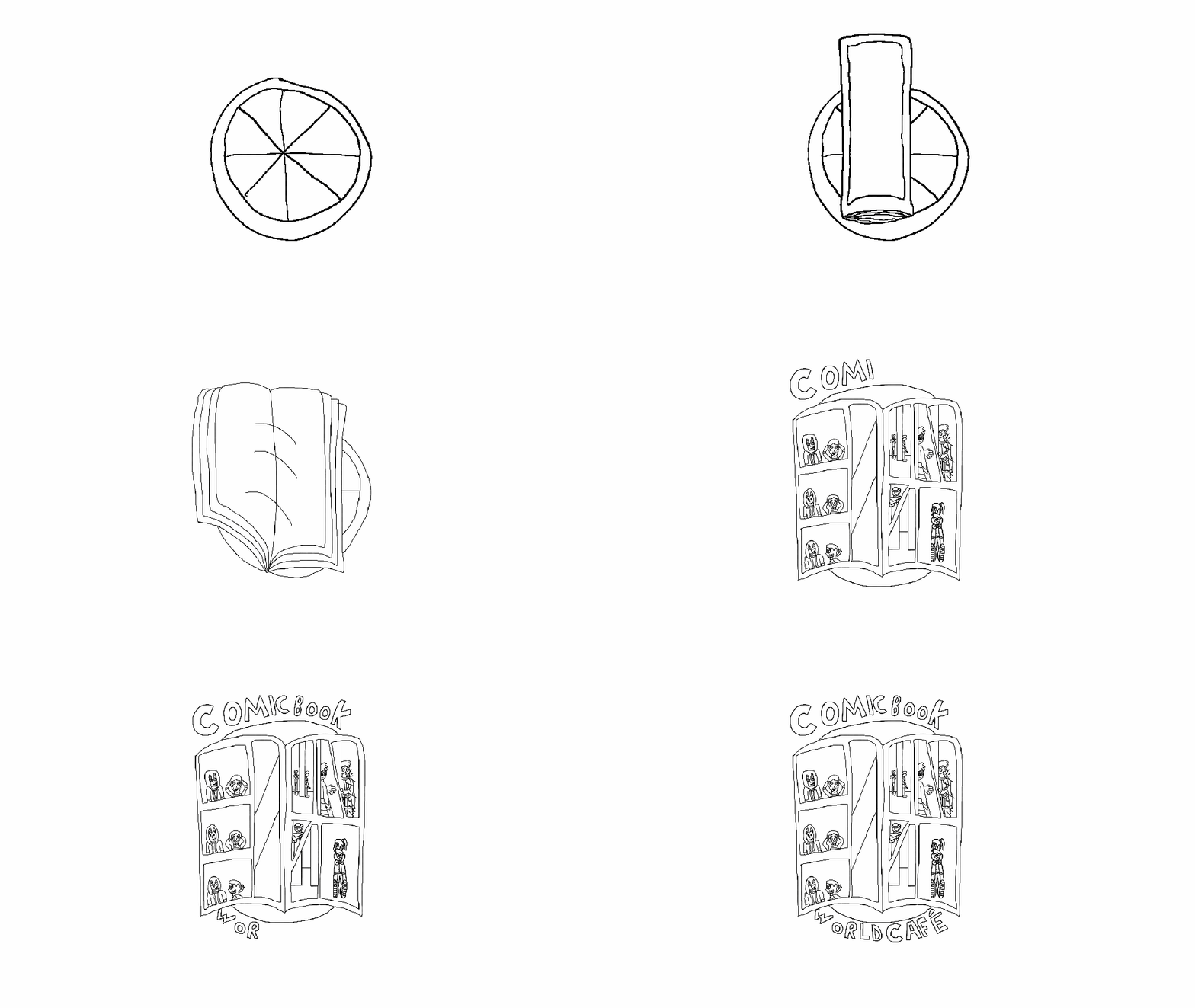
At the start of the animation, I worked in Photoshop, drawing the animation while also looking at the storyboard I had drawn in my sketchbook. As seen below in digital.
However, I was struggling while using Photoshop, and due to time restraints, I knew I wouldn’t have got it done in time without asking to go between lessons to complete it. Instead, I exported the animation halfway through, and put it as a file on Google Drive then imported onto ProCreate on my iPad.
Once I had done that, I went back to work, drawing the rest, then duplicating it until I had finished the drawing part, as seen here.
Next, I went back to colour it all in, which took me even longer as I foolishly decided not to colour in the panels in the comic book before duplicating. And even when I went back and did so, I missed a few areas. Will try to double check in future before exporting.
I also had a time lapse recording of the process, however, both versions can’t be imported on either here or YouTube. Will try to figure out a way around that. Somehow.
If I was to say anything about this, I would say I enjoyed it, and had fun creating it. However, in future, I think I’d try starting the animation early before having the lesson about it when thinking about time management. Furthermore, colour in the pieces that would stay the same first, then duplicate them to save time.
I had already learnt how to animate beforehand, which was an advantage for the project, and I always have ace ideas when it comes to story boarding so it wasn’t difficult coming up with the idea and how it would play out. However, this was my first time using Photoshop, so I had a slight disadvantage which I later turned into an advantage by first, learning the ropes of Photoshop quickly and then exporting the animation onto Procreate so I could work on it throughout the week and at home with little worry.
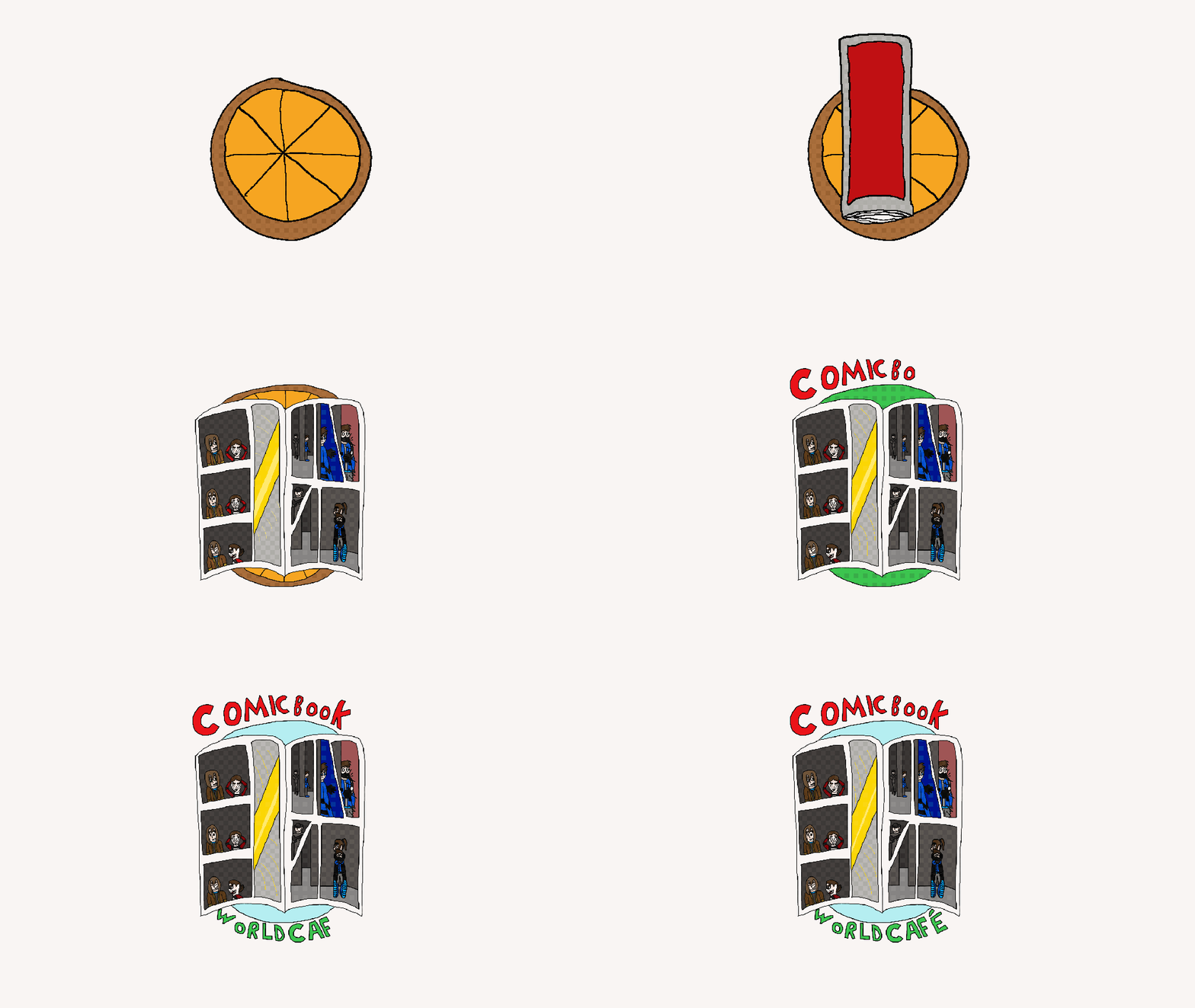
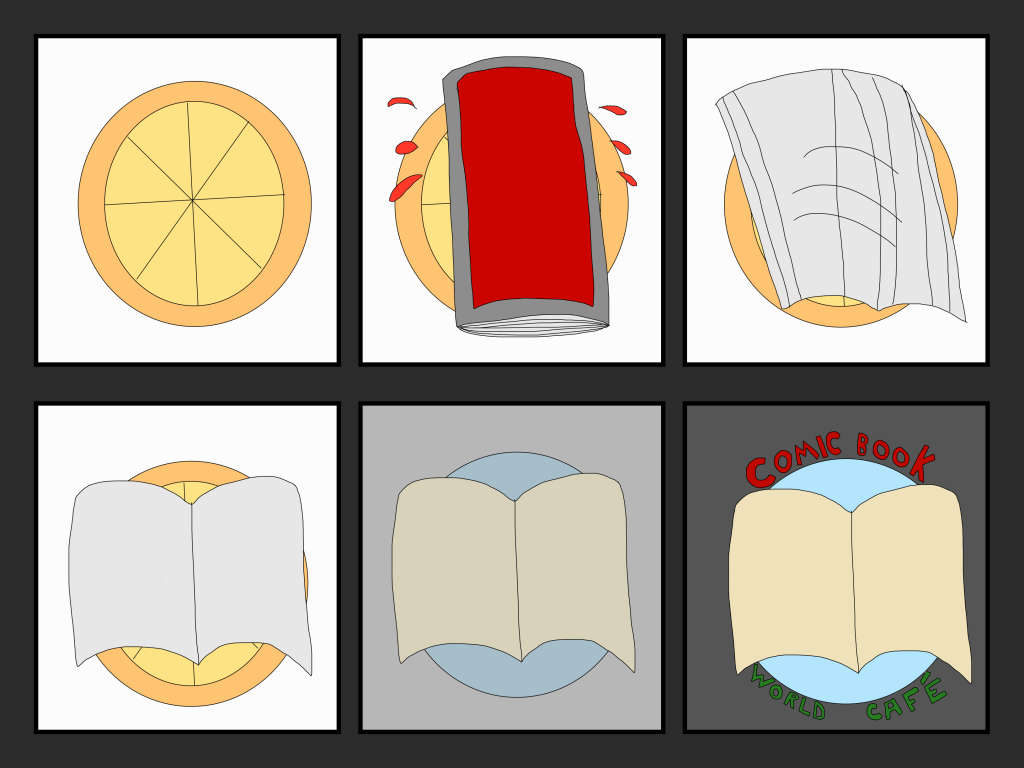
This is the completed version of the logo animation I have been doing the past few weeks.
What I’ve done is present it with a book opening up after bumping on the floor and zooming in to reveal the logo.
This sort of idea came to mind during our first week with animation. Throughout January, I continued to work on it during my lessons when I wasn’t busy.
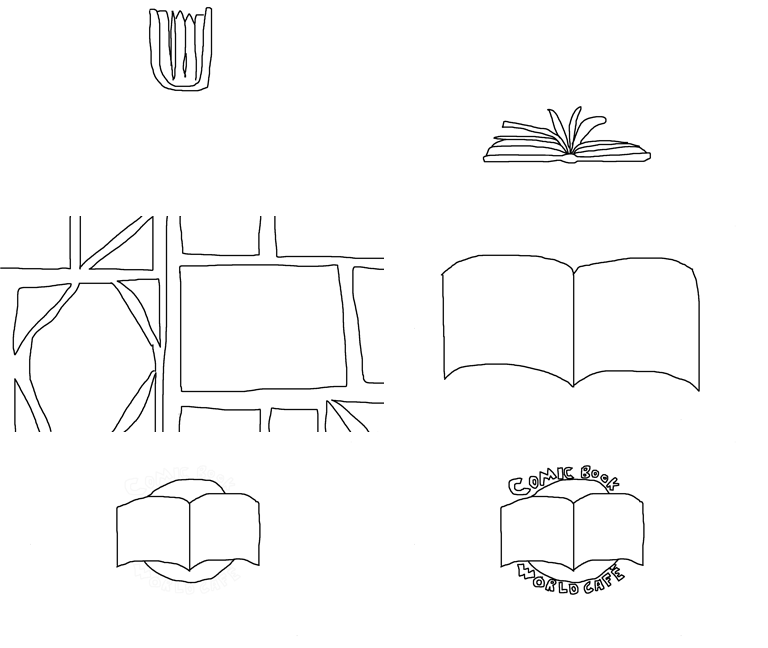
This is the first of three ideas I had for my logo GIF. However, trying to work on it wasn’t easy. I particularly struggled with the circular areas (I couldn’t use Eclipse tool. Had difficulties with it), but overall, I enjoyed drawing it and I got a bit of an idea from it.
This is one of my first attempts at animation using Photoshop.
During our second Graphics lesson, we continued using Photoshop. This time, however, we were doing animation experiments. As you can see here, I experimented with a small animation with a blue shot in red background. It doesn’t really have any animation featured in the photos as I didn’t take photos of that, but basically, this was my experimental area.
As I had done animation before, I felt experience enough to try and start my own logo animation alongside a few others. While it’s not finished, it might take a few lessons.
How I started was that I drew a book falling, bumping on the ground, bouncing a little, then open up into a comic page (as seen in the photos and GIF). To see the stop motion photos of them, just look below.
After a few hours of work, I felt confident enough to show this draft online. However, instead of uploading it to Youtube like I’d usually do, I managed to export it as a GIF onto here using the settings for export, as shown below.
Best way to export a large image or video onto here is to cut the size down low enough or lower to fit the space WordPress can cope with.
Hopefully, next lesson, I should have more progress and there could be colours next time if we’re lucky.






 Euan's blog